By Anna Wright
I still remember the day I realized that how to organize your digital files was not just about neatness, but about saving time and reducing stress. I was working on a project with a tight deadline, and I spent hours searching for a specific document in my cluttered computer folders. It was then that I decided to take control of my digital space and develop a system to keep my files organized. As a productivity consultant, I’ve seen many people struggle with digital clutter, and I’m excited to share my expertise with you.
In this article, I’ll cut through the clutter (pun intended!) and provide you with practical advice on how to organize your digital files. You’ll learn how to create a simple yet effective filing system, how to use labels and tags to categorize your files, and how to maintain your digital space over time. My goal is to help you achieve a sense of calm and control over your digital life, and to free up more time for the things that matter. So, let’s get started on this journey to digital decluttering, and discover how a well-organized digital space can boost your productivity and reduce your stress levels.
Table of Contents
Guide Overview: What You'll Need

Total Time: 1 hour 30 minutes
Estimated Cost: free – $10
Difficulty Level: Easy
Tools Required
- Computer (with internet connection)
- Cloud Storage Account (e.g., Google Drive, Dropbox)
- File Management Software (e.g., folders, tags)
Supplies & Materials
- Digital Folders (created on computer)
- Labels and Tags (for categorization)
Step-by-Step Instructions
- 1. First, let’s get real about our digital clutter – it’s time to take control of our computer files. Start by setting a timer (I use my trusty stopwatch for everything, even this) for 10 minutes and quickly scanning your computer for any obvious duplicates or unnecessary files that can be deleted right away. This initial sweep will give you a sense of accomplishment and help you focus on the task at hand.
- 2. Next, create a folder structure that makes sense for your work and personal life. This might include categories like “Work Projects,” “Personal Documents,” “Photos,” and “Videos.” The key is to create a system that is _intuitive_ for you, so you can easily find what you need without having to dig through a mess of unorganized files.
- 3. Now, let’s talk about _naming conventions_. To keep your files organized, it’s essential to use a consistent naming system. This could be something like “YYYYMMDD – File Description” or “Project Name – Version Number.” The goal is to make it easy to identify what each file is and when it was created or updated, without having to open it.
- 4. The fourth step is to utilize tags and labels. Many operating systems and file management tools allow you to assign tags or labels to your files, which can help you find them based on keywords rather than just their location in your folder structure. This is especially useful for files that relate to multiple projects or categories.
- 5. It’s time to _get specific_ with your file organization by considering the types of files you work with most often. For example, if you’re a photographer, you might want to create subfolders for different shoots or projects. If you’re a writer, you might organize your files by article or book title. The point is to create a system that _serves your workflow_.
- 6. Implement a regular maintenance schedule to keep your digital files organized. Set a reminder, perhaps weekly or monthly, to go through your files and ensure everything is still in its place. This is also a good time to back up your files to an external drive or cloud storage service, protecting them against loss in case of a computer failure.
- 7. Finally, consider _investing in tools_ that can help automate parts of your file organization process. There are many software programs and apps designed to help you manage your digital clutter, from automatic file sorters to cloud storage services with built-in organizational features. The right tool can make a significant difference in how easily you can maintain your organized system.
How to Organize Your Digital Files
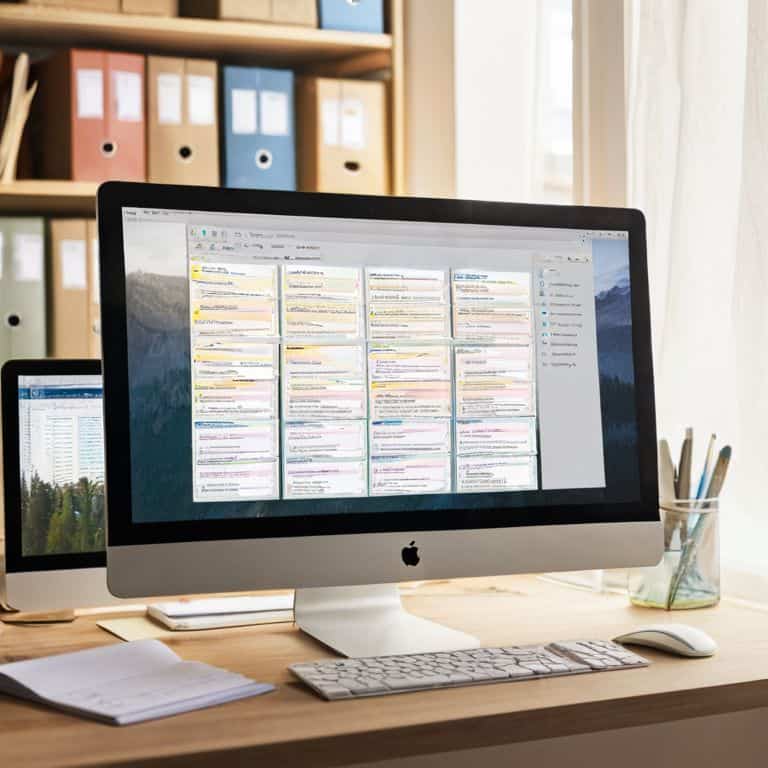
As I always say, digital file management best practices are key to a stress-free digital life. One of my favorite tips is to implement efficient folder structures. This means creating a hierarchy of folders that make sense for your specific needs, and sticking to it. For example, you might have a main folder for “Work” and subfolders for each project or client.
When it comes to organizing digital photos, I recommend using a combination of folders and tags. This allows you to quickly find specific photos without having to dig through thousands of files. I also swear by naming conventions for files that include the date and a brief description of the content. This makes it easy to search for and identify files at a glance.
To take your digital organization to the next level, consider investing in digital decluttering tools. These can help you automatically sort and prioritize your files, freeing up time for more important things. And don’t forget to prioritize cloud storage security tips to protect your sensitive information from prying eyes. With these tips and a little practice, you’ll be a digital organization pro in no time!
Digital Decluttering Tools for Speed
As a speed-puzzle enthusiast, I’m always on the lookout for tools that can help me declutter quickly. My trusty stopwatch and I have tested a few favorites, including cloud storage services and file organizers. These tools are total game-changers, allowing me to categorize and prioritize my digital files in no time.
I recommend exploring options like digital note-taking apps and browser extensions that help you stay focused. With the right tools, you can zip through your digital decluttering tasks in record time – and my stopwatch will be cheering you on!
Efficient Folder Structures Made Easy
To create efficient folder structures, I swear by a simple, hierarchical approach. Start with broad categories like ‘Work,’ ‘Personal,’ and ‘Projects,’ and then drill down into subfolders. For instance, under ‘Work,’ you might have ‘Meetings,’ ‘Reports,’ and ‘Client Files.’ This system makes it easy to find what you need in a snap. I like to think of it as solving a speed-puzzle – every second counts, and with a clear structure, you’ll be saving time in no time.
I time myself when setting up new folder structures, and I challenge you to do the same. See how quickly you can create a logical, easy-to-navigate system. With practice, you’ll become a pro at digital organization, and your productivity will soar.
Tick Tock, Let's Get Organized: 5 Key Tips to Tame Your Digital Chaos

- Set a timer for 10 minutes and challenge yourself to delete as many unnecessary files as possible – it’s a speed-puzzle solving approach to digital decluttering!
- Create a folder structure that mirrors your real-life tasks and projects, making it easier to find what you need in a snap
- Use cloud storage to access your files from anywhere, and consider implementing a uniform naming convention to keep everything tidy
- Schedule regular ‘digital dust-ups’ – monthly or weekly – to maintain your newly organized digital space and keep productivity soaring
- Implement the ‘2-minute rule’: if a task related to organizing your digital files can be done in less than 2 minutes, do it immediately to avoid clutter build-up
My Top 3 Digital Decluttering Takeaways
Set a timer and challenge yourself to organize a specific number of files within a short timeframe – it’s amazing how much you can accomplish with a little speed-puzzle solving mindset!
Implement a simple, consistent folder structure across all your devices to save time searching for files and reduce digital clutter
Schedule regular ‘digital dusting’ sessions to maintain your organized system and keep your productivity levels soaring – trust me, your future self will thank you!
Time to Get Digital
A clutter-free digital space is not just a luxury, it’s a productivity superpower – so, let’s get organized and unleash our full potential, one neatly labeled folder at a time!
Anna Wright
Wrapping Up: Your Path to Digital Bliss
As we conclude this journey to digital nirvana, let’s quickly recap the essential steps: we’ve discussed the importance of a methodical approach to organizing your digital files, explored various digital decluttering tools for speed, and even delved into creating efficient folder structures. By implementing these strategies, you’ll not only save time but also significantly reduce stress. Remember, the key to maintaining this newfound efficiency is consistency and adapting these methods to fit your unique workflow. Don’t be afraid to experiment and find what works best for you.
Now, as you embark on this transformative path, keep in mind that mastering digital organization is a skill that unfolds over time with practice and patience. It’s about creating a system that sings in harmony with your productivity goals, allowing you to achieve more with less stress. So, go ahead, take that first step, and watch how your digital space transforms into a powerhouse of productivity. With every tick of my trusty stopwatch, I’m rooting for you to become the task-master of your digital domain!
Frequently Asked Questions
What's the best way to prioritize which digital files to organize first?
Let’s prioritize! Start with files that are most frequently used or urgently needed. I like to call it the ‘Speed Puzzle Approach’ – tackle the high-impact files first, and then work your way down. Trust me, it’s a game-changer. Grab your stopwatch, and let’s get sorting in no time!
How often should I schedule digital decluttering sessions to maintain my organized system?
Set a recurring reminder, I say every 2-3 months, to give your digital space a quick tidy. Trust me, it’s worth it! I time myself with my trusty stopwatch to make it a fun challenge. Even 10 minutes a week can make a huge difference in maintaining your organized system and keeping productivity high.
Are there any specific folder naming conventions that can help me quickly locate files across different devices?
Ah, great question! I swear by the ‘YYYYMMDD_Project_Name’ format – it’s a game-changer for speedy file location across devices. Trust me, it’s a tiny tweak that saves tons of time in the long run. Give it a try and watch your file-finding stress melt away!