 By Alex Byte
I still remember the day I realized that Google was tracking my every move online – it was a wake-up call that led me to embark on a journey to learn how to stop google from tracking you. As someone who’s passionate about 3D printing futuristic gadgets and wears mismatched socks as a tribute to Turing’s eccentricity, I’ve always been fascinated by the intersection of humanity and technology. But what frustrates me is the common myth that it’s impossible to evade Google’s watchful eye. The truth is, with a few simple tweaks, you can take back control of your digital life and browse the internet without being tracked.
In this article, I’ll share my personal story and provide you with honest, no-hype advice on how to stop google from tracking you. You’ll learn how to outsmart Google’s tracking mechanisms and regain your online freedom. From adjusting your browser settings to using alternative search engines, I’ll guide you through the process with practical tips and real-life examples. My goal is to empower you with the knowledge to make informed decisions about your online presence, so you can browse the internet with confidence and peace of mind.
Table of Contents
Guide Overview: What You'll Need

Total Time: 1 hour 30 minutes
Estimated Cost: $0 – $10
Difficulty Level: Easy
Tools Required
- Computer or Mobile Device (with internet connection)
- Web Browser (e.g., Google Chrome, Mozilla Firefox)
- Search Engine (e.g., DuckDuckGo, StartPage)
Supplies & Materials
- Virtual Private Network (VPN) Subscription (optional)
- Ad-Blocker Software (optional)
- Cookie-Blocking Extension (e.g., uBlock Origin, Cookie Autodelete)
Step-by-Step Instructions
- 1. First, let’s start with the basics: understanding how Google tracks you. To do this, you need to know that Google uses cookies and other identifiers to monitor your online activities. This information is then used to create a profile of your browsing habits, which can be used for targeted advertising. To begin reclaiming your digital freedom, you should regularly clear your browsing history and cookies.
- 2. Next, you need to opt-out of personalized ads. This can be done by visiting Google’s Ads Settings page and toggling off the “Ads Personalization” switch. Keep in mind that this won’t completely stop Google from tracking you, but it will limit the amount of data they can collect for advertising purposes. It’s also a good idea to review and adjust your account settings to ensure you’re not inadvertently sharing more information than necessary.
- 3. Now, let’s talk about browser extensions. There are several extensions available that can help block Google’s tracking scripts, such as uBlock Origin or Privacy Badger. These extensions can be easily installed and configured to block trackers across the web, giving you more control over your online data. When choosing an extension, make sure to read reviews and check the developer’s permissions to ensure you’re not introducing any new security risks.
- 4. To further reduce your digital footprint, consider using a virtual private network (VPN). A VPN will mask your IP address, making it more difficult for Google to track your location and browsing activities. When selecting a VPN, look for providers that offer strong encryption and a no-logs policy, ensuring that your data remains secure and private.
- 5. Another crucial step is to limit Google’s access to your device. This can be achieved by revoking permissions for Google apps and services that don’t require location or other sensitive data. For example, you can disable location services for Google Maps when you’re not actively using the app. By minimizing the amount of data you share, you can reduce Google’s ability to track your activities.
- 6. It’s also essential to use alternative search engines that don’t track your searches. Options like DuckDuckGo or StartPage offer private search results and don’t store your search history. By making this simple switch, you can significantly reduce the amount of data Google collects about your online activities.
- 7. Finally, consider using a Google account alternative for services like email or cloud storage. Providers like ProtonMail or Tresorit offer end-to-end encryption and secure data storage, giving you more control over your personal data. By diversifying your online services, you can reduce your reliance on Google and minimize their ability to track your activities.
Outsmart Google Tracking
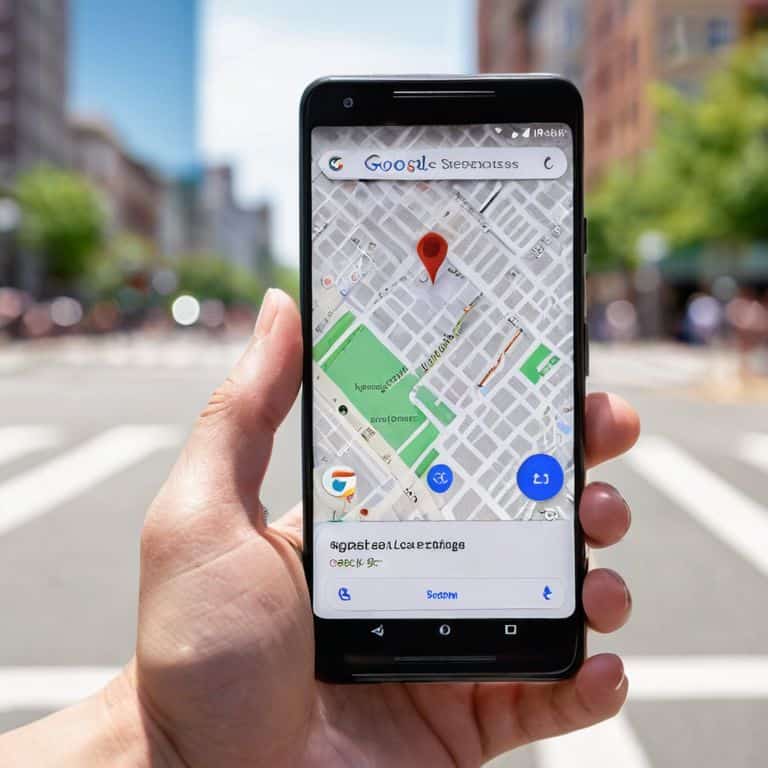
As I delved deeper into the world of digital privacy, I realized that disable google location services is a crucial step in maintaining our online autonomy. By doing so, we can prevent Google from tracking our every move, both physically and digitally. This simple act can be a powerful statement of our desire for online freedom.
In addition to disabling location services, it’s essential to understand google data protection policies and how they impact our personal data. By familiarizing ourselves with these policies, we can make informed decisions about our online activities and take steps to protect our sensitive information. One effective way to do this is by utilizing browser fingerprinting prevention techniques, which can help mask our digital footprint and prevent Google from collecting our data.
To further enhance our online privacy, we can explore the benefits of incognito mode, which allows us to browse the internet without leaving a trail of cookies and other tracking data. Moreover, reviewing our google account privacy settings can help us regain control over our personal data and prevent unwanted tracking. By taking these extra steps, we can effectively stop google ads personalization and enjoy a more private online experience.
Browser Fingerprinting Prevention
To further evade Google’s tracking, I’ve delved into the world of browser fingerprinting prevention. This involves making your browser less recognizable to tracking scripts, essentially masking your digital identity. By using tools like browser extensions that randomize your user agent or block fingerprinting scripts, you can significantly reduce the amount of data Google can collect about you.
I’ve found that combining these tools with regular browser updates and a strict approach to cookie management can be particularly effective. It’s all about layering your defenses and staying one step ahead of the trackers. With a little creativity and the right tools, you can enjoy a more private browsing experience and keep your personal data out of Google’s reach.
Disable Location Services Now
As I delve deeper into the world of privacy, I realize that disabling location services is a crucial step. It’s astonishing how often our devices betray us, silently transmitting our whereabouts to Google’s servers. To break free, head to your device’s settings and toggle off location services for Google apps. This simple act can significantly reduce the amount of location data being collected.
By doing so, you’re not only protecting your privacy but also taking a stand against the pervasive tracking that’s become all too common. It’s a small victory, but an important one – and it’s a step towards reclaiming your digital autonomy.
5 Crucial Strategies to Outwit Google's Tracking
- Opt out of personalized ads to limit Google’s data collection on your online activities
- Regularly clear your browser’s cookies and cache to erase tracking data
- Use a VPN to mask your IP address and location, making it harder for Google to track your movements
- Enable incognito mode or private browsing on your browser to reduce data sharing with Google
- Install browser extensions that block trackers and scripts, such as uBlock Origin or NoScript, to prevent Google from gathering your browsing habits
Reclaiming Digital Freedom: 3 Key Takeaways
By taking control of your online privacy, you can outsmart Google’s tracking mechanisms and protect your personal data from being misused
Disabling location services and preventing browser fingerprinting are crucial steps in evading Google’s watchful eye and maintaining your digital autonomy
Empowering yourself with knowledge about online tracking and taking proactive measures to secure your browsing habits can significantly enhance your overall online experience and safeguard your identity
Empowering Digital Freedom
The greatest illusion of our digital age is the notion of a free service; for in the realm of the internet, freedom is often the finest currency, and it’s time we start valuing it by taking control of our own tracks, one privacy setting at a time.
Alex Byte
Taking Back Control: A New Era of Digital Freedom

In our journey to outsmart Google’s tracking, we’ve covered crucial steps to reclaim our digital lives. From disabling location services to preventing browser fingerprinting, each move brings us closer to a more private online experience. By following these steps, we not only protect our personal data but also send a message about the importance of digital autonomy. It’s about making informed choices and being aware of how our data is used. As we navigate the complex landscape of online privacy, it’s essential to stay vigilant and adapt to the ever-changing technologies that surround us.
As we conclude this quest for digital freedom, let’s remember that the true power lies not in the technology itself, but in how we choose to use it. By embracing a mindset of curiosity and innovation, we can turn the tables on invasive tracking methods and create a safer, more transparent internet for everyone. The future of our digital world is full of possibilities, and it’s up to us to shape it. So, let’s continue to explore, innovate, and push the boundaries of what’s possible, always striving for a world where technology serves humanity, not the other way around.
Frequently Asked Questions
Will disabling location services on my device also stop Google from tracking my searches?
Disabling location services on your device is a great step, but it won’t completely stop Google from tracking your searches. Google can still use other methods, like IP address tracking and browser fingerprinting, to monitor your online activities. To truly outsmart Google, you’ll need to combine location services disablement with other privacy measures, which I’ll dive into next.
Can using a VPN be enough to prevent Google from tracking my online activities?
While a VPN is a great start, it’s not a silver bullet. Google can still track you through cookies, browser fingerprinting, and other sneaky methods. Think of a VPN as a strong shield, but you still need to cover your digital footprint with additional measures to truly outsmart the giant.
How often do I need to clear my browser cookies to effectively limit Google's ability to track me?
Honestly, I clear my browser cookies at least once a week to limit Google’s tracking. It’s a simple habit to get into, and it helps prevent them from building a detailed profile of my online activities. I also use a cookie auto-deletion feature to make it even easier – it’s a small step towards reclaiming my digital freedom.
