 By Alex Byte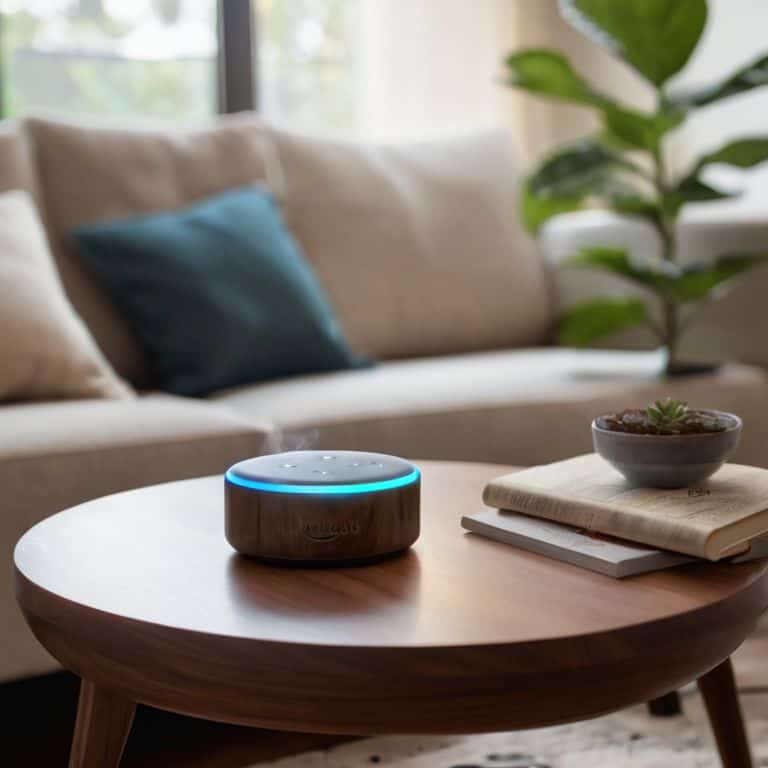
I still remember the first time I set up Amazon Alexa in my home – it was like having a superpower at my fingertips. But, I’ve often found that many people are intimidated by the idea of using a virtual assistant, thinking it’s too complicated or that they need to be tech-savvy to _master the basics_. The truth is, with a good a beginner’s guide to amazon alexa, anyone can unlock the full potential of this incredible device. My own journey with Alexa started with simple tasks, but soon I was exploring more advanced features, and I’m excited to share that knowledge with you.
In this article, I’ll cut through the hype and provide you with _practical advice_ on how to get started with Amazon Alexa. You’ll learn how to set it up, understand its capabilities, and discover the most useful skills and features. Whether you’re looking to control your smart home devices, play music, or simply get the news, I’ll guide you through it all. My goal is to make this technology accessible to everyone, so by the end of this a beginner’s guide to amazon alexa, you’ll be confidently using Alexa to make your life easier and more enjoyable.
Table of Contents
Guide Overview: What You'll Need
Total Time: 1 hour 30 minutes
Estimated Cost: $50 – $100
Difficulty Level: Easy
Tools Required
- Smartphone (with Amazon Alexa app)
- Computer (with internet connection)
- Power Outlet (for Alexa device)
Supplies & Materials
- Amazon Alexa Device (e.g., Echo Dot, Echo Show)
- Internet Connection (stable and fast)
- Amazon Account (existing or new)
Step-by-Step Instructions
- 1. First, let’s start with the basics: to get Amazon Alexa up and running, you’ll need to download the Alexa app on your smartphone or tablet. This app is available for both iOS and Android devices, making it accessible to a wide range of users. Once you’ve downloaded the app, create an Amazon account if you don’t already have one, or sign in if you’re an existing user.
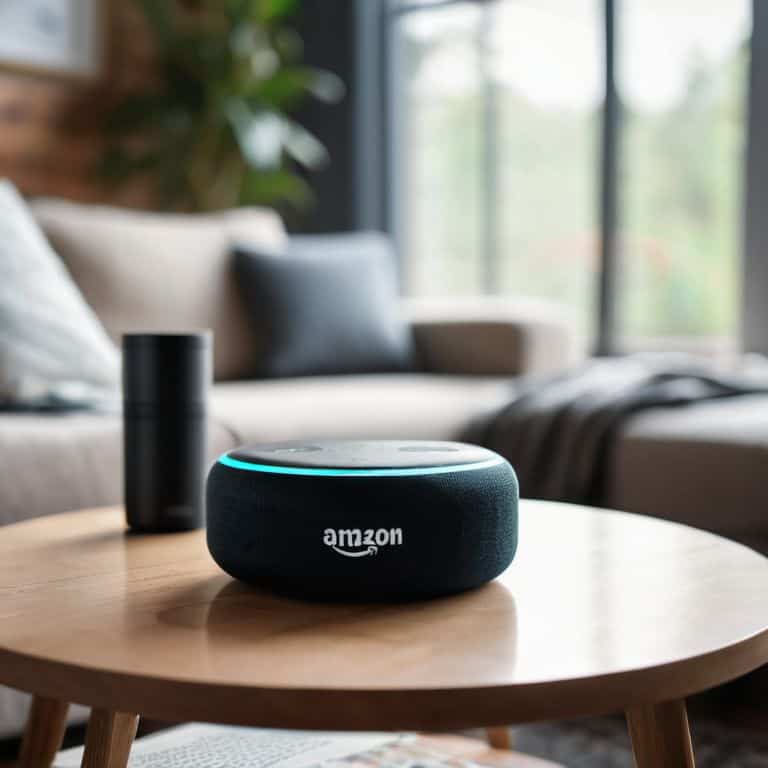
- 2. Next, you’ll need to set up your Alexa device, which could be an Echo, Echo Dot, or any other Alexa-enabled device. Plug in your device and wait for it to boot up. The device will guide you through the initial setup process, which includes connecting it to your Wi-Fi network. Make sure you have your Wi-Fi password handy to complete this step.
- 3. After your device is connected to the internet, you’ll need to link your Amazon account to the device through the Alexa app. This step is crucial as it allows you to access various Amazon services and features through your Alexa device. Simply follow the in-app instructions to complete the linking process.
- 4. Now, let’s move on to customizing your Alexa experience. You can do this by exploring the various settings within the Alexa app. Here, you can adjust things like notification preferences, add new skills (which are essentially apps for Alexa), and even set up multi-room music if you have multiple Alexa devices.
- 5. To really get the most out of Alexa, you should enable skills that align with your interests. Skills are what make Alexa so versatile, allowing you to do everything from ordering pizza to getting the latest news updates. Browse the skills store within the app, and enable the ones you think you’ll use regularly.
- 6. Another important step is to set up voice profiles for different members of your household. This feature, known as Voice Match, allows Alexa to recognize who’s speaking to it and provide personalized responses. Setting up voice profiles can enhance your overall Alexa experience, making it more personalized and convenient.
- 7. Finally, don’t forget to explore Alexa’s smart home capabilities. If you have smart devices in your home, such as light bulbs, thermostats, or security cameras, you can control them all with voice commands through Alexa. First, you’ll need to enable the skill for your specific smart home device brand, then follow the manufacturer’s instructions to link your devices to Alexa.
- 8. As you become more comfortable with Alexa, consider experimenting with routines, which allow you to perform multiple actions with a single voice command. For example, you could set up a “good morning” routine that turns on your lights, starts your favorite playlist, and gives you the day’s weather forecast all at once. This feature can really streamline your daily interactions with Alexa.
A Beginners Guide to Amazon Alexa

As I delve into the world of Amazon Alexa, I’m reminded of the endless possibilities it offers. One of the most exciting aspects is the ability to control multiple devices with just your voice. With Amazon Alexa compatible devices, you can create a seamless smart home experience. For instance, you can use Alexa voice commands to turn on the lights, adjust the thermostat, or play your favorite music.
To take your Alexa experience to the next level, I recommend setting up Alexa routines. This feature allows you to automate multiple actions with a single voice command. For example, you can create a “good morning” routine that turns on the lights, plays the news, and starts your favorite coffee maker. It’s amazing to see how these small conveniences can make a big impact on your daily life.
When exploring the best Alexa skills for smart home, I’ve found that troubleshooting Alexa connectivity issues can be a challenge. However, with a little patience and persistence, you can resolve most issues and enjoy a hassle-free experience. Whether you’re using Amazon Alexa for entertainment, convenience, or automation, it’s clear that this technology has the potential to transform our lives in profound ways.
Setting Up Smart Home Routines
As I delve into the world of smart home automation, I’m reminded of the futuristic gadgets I’ve 3D printed in my spare time. Setting up smart home routines with Amazon Alexa is a breeze, and I’m excited to share my experience with you. To get started, simply open the Alexa app and navigate to the “Routines” section. From there, you can create custom routines that cater to your daily habits, such as turning on the lights or adjusting the thermostat with just your voice.
I’ve found that creating routines has streamlined my daily life, and I’m sure it can do the same for you. With Alexa, you can automate tasks, set reminders, and even control multiple devices with a single command. As someone who’s passionate about exploring the intersection of humanity and AI, I’m fascinated by the potential of smart home automation to enhance our lives. By setting up smart home routines, you’ll be taking the first step towards a more convenient, efficient, and connected living space.
Unlocking Alexa Voice Commands
Unlocking Alexa Voice Commands is where the real magic happens. With a vast array of voice commands at your disposal, you can effortlessly control your smart home devices, play your favorite tunes, or even order a pizza. The key is to experiment and find the commands that work best for you. I still remember the first time I used Alexa to turn on my living room lights – it was like having my own personal assistant.
As you delve deeper, you’ll discover that Alexa’s voice commands can be tailored to your daily routines, making your life easier and more convenient. From setting reminders to checking the weather, the possibilities are endless. And, with constant updates and new skills being added, the future of voice commands looks brighter than ever.
5 Essential Tips to Unlock the Full Potential of Amazon Alexa
- Start with the basics: Begin by exploring the various voice commands that Alexa understands, from simple queries like ‘what’s the weather?’ to more complex tasks like setting reminders or alarms
- Get smart with your home: Discover how to set up and control your smart home devices with Alexa, making it easy to turn on lights, adjust thermostats, or secure your home with just your voice
- Make the most of Alexa’s skills: Browse the vast library of Alexa skills, from news and entertainment to education and fitness, and enable the ones that fit your interests and lifestyle
- Customize your Alexa experience: Learn how to personalize your Alexa settings, such as changing the wake word, adjusting the volume, or setting up multi-room music, to create a tailored experience that suits your preferences
- Stay safe and secure: Understand how to protect your personal data and maintain privacy when using Alexa, including tips on securing your account, disabling skills, and using features like Alexa’s voice history deletion
Key Takeaways for Mastering Amazon Alexa
Voice commands are the backbone of Alexa’s functionality, and understanding how to unlock and utilize them effectively can revolutionize your smart home experience
Setting up smart home routines with Alexa can automate tasks, enhance convenience, and make your life easier, from controlling lights to managing your daily schedule
By following the step-by-step guide and exploring the capabilities of Amazon Alexa, you can unlock a world of possibilities, from entertainment and education to innovation and integration, making your home smarter and your life more enjoyable
Unlocking the Power of Voice
As we embark on this journey to master Amazon Alexa, remember that the true magic lies not in the device itself, but in the endless possibilities it unlocks for us to reimagine our daily lives, to innovate, and to connect with the world around us in ways both grand and intimate.
Alex Byte
Embracing the Future with Amazon Alexa

As we conclude this beginner’s guide to Amazon Alexa, it’s essential to recap the key takeaways. We’ve explored the world of voice commands, learning how to unlock Alexa’s full potential with simple, yet powerful phrases. We’ve also delved into setting up smart home routines, making our lives easier and more convenient. By mastering these skills, you’ll be well on your way to creating a seamless and integrated smart home experience. Whether you’re looking to streamline your daily tasks or simply want to experience the thrill of controlling your home with your voice, Alexa is an excellent choice.
As you continue on your Amazon Alexa journey, remember that the true power of this technology lies in its ability to empower and inspire. Don’t be afraid to experiment, try new things, and push the boundaries of what’s possible. With curiosity and creativity, you’ll unlock a world of endless possibilities, and Alexa will become an indispensable companion in your daily life. So, go ahead, embrace the future, and let the magic of Amazon Alexa transform your world.
Frequently Asked Questions
What are some essential Amazon Alexa voice commands I should know to get started?
Ah, getting started with Alexa is thrilling! Some essential voice commands to know include ‘What’s the weather like?’, ‘Play some jazz’, and ‘Turn on the living room lights’. You can also ask ‘What can you do?’ to discover more capabilities. Experiment with these and you’ll be well on your way to unlocking Alexa’s full potential!
Can I control multiple smart devices with a single Alexa voice command?
Yes, you can control multiple smart devices with a single Alexa voice command. I’ve experimented with this using my 3D printed smart home gadgets, and it’s amazing to see everything sync up with just one phrase, like “Good morning, Alexa” to turn on lights, coffee makers, and more.
How do I troubleshoot common issues with my Amazon Alexa device?
Troubleshooting Alexa can be a breeze. If you’re experiencing issues, try restarting your device or checking your internet connection. You can also disable and re-enable skills or reset Alexa to its factory settings. If problems persist, visit Amazon’s support page for more specific solutions – I’ve found it to be a treasure trove of helpful tips and tricks.
